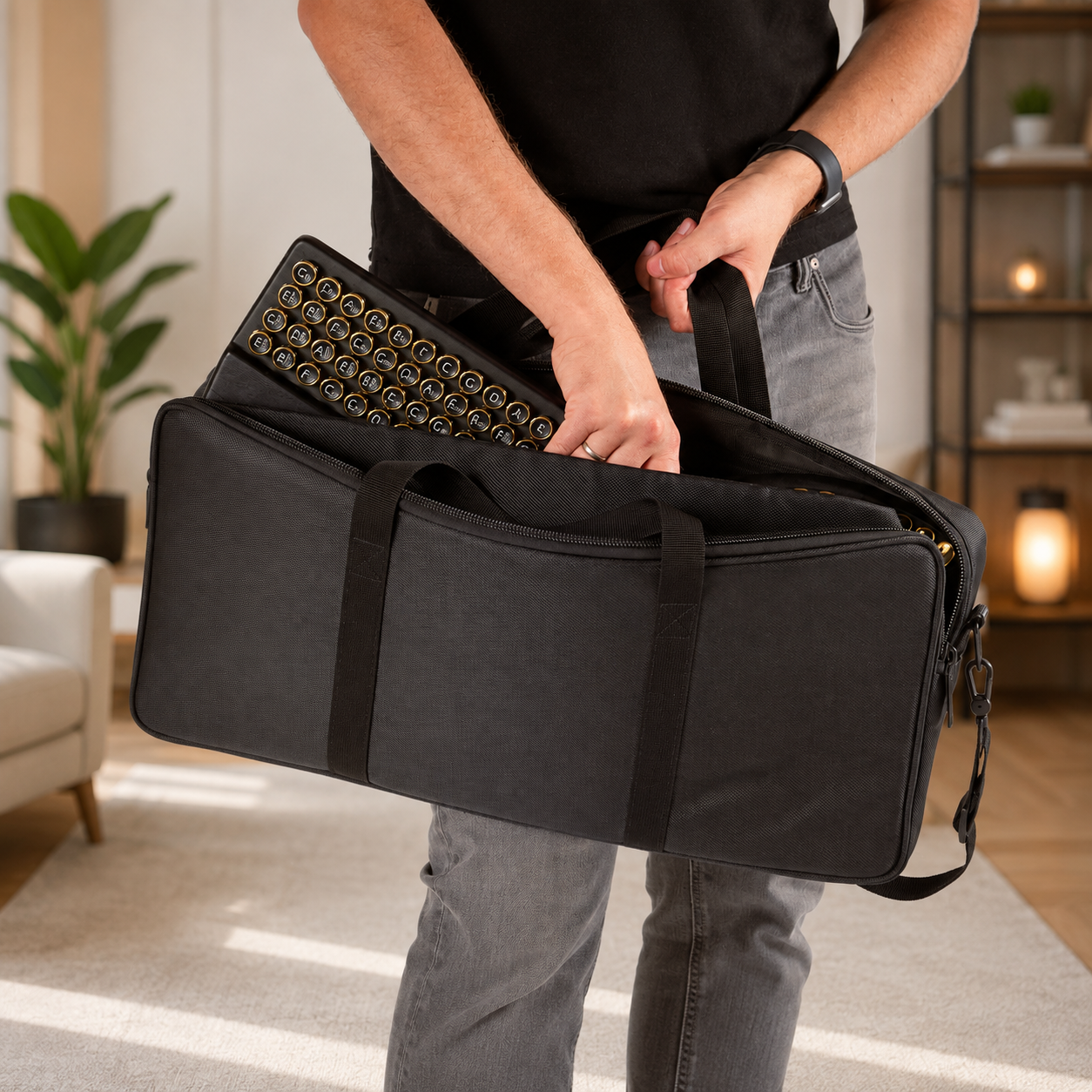
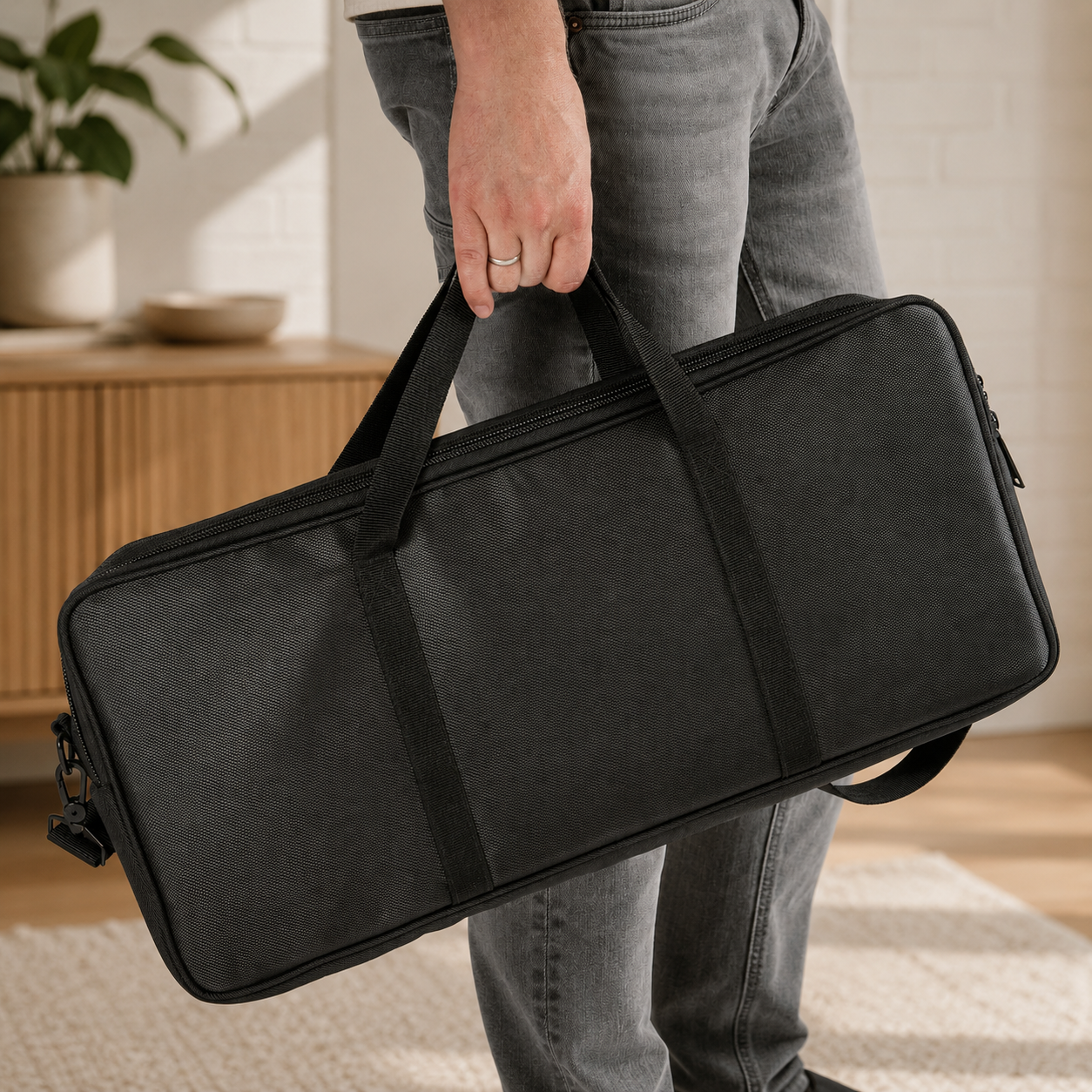
One unit per order for dedicated quality tracking. For multiple units, please order separately. Thanks for your support.
Interactive Digital Harp Controller
Build Chords.Shape Melodies.Play Naturally.
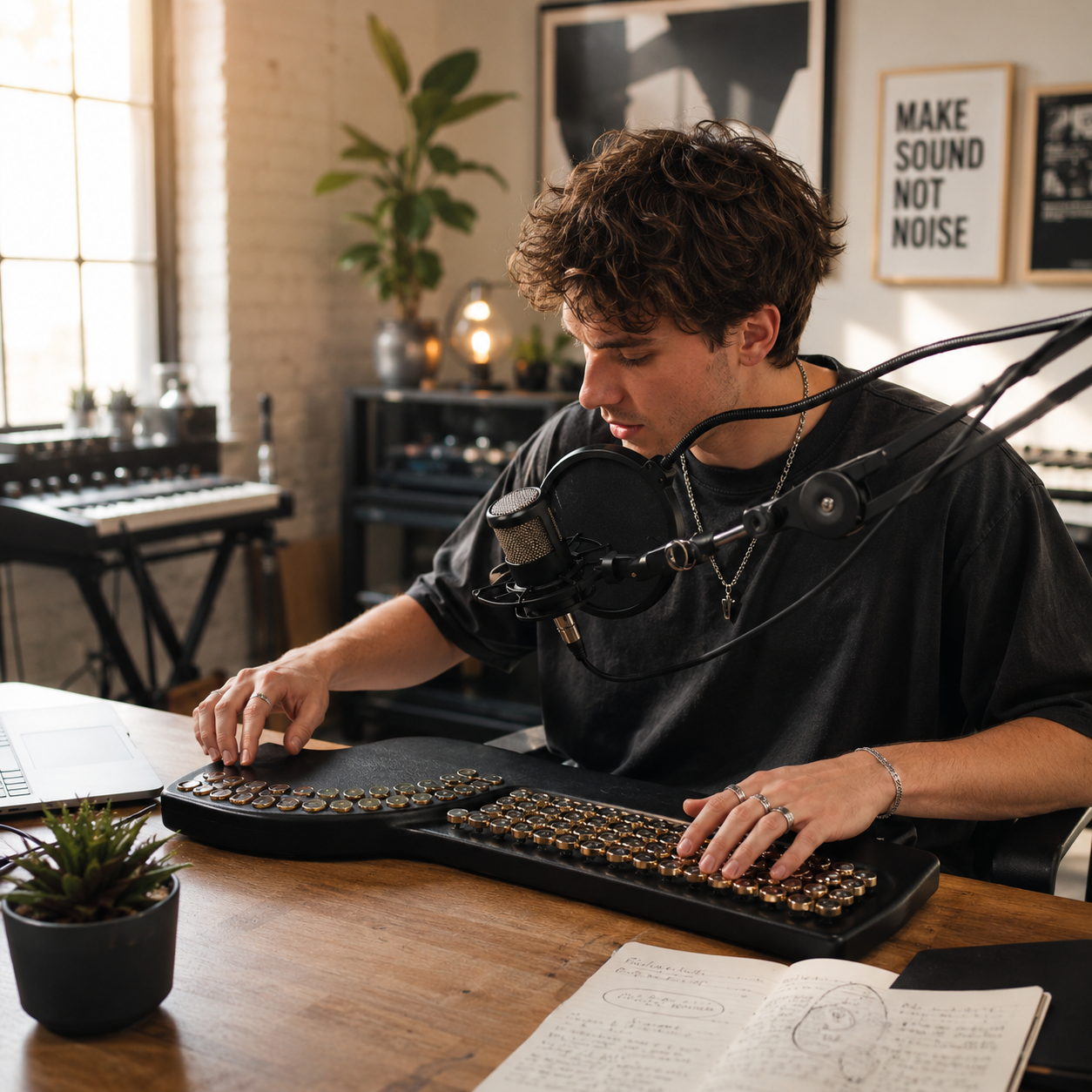
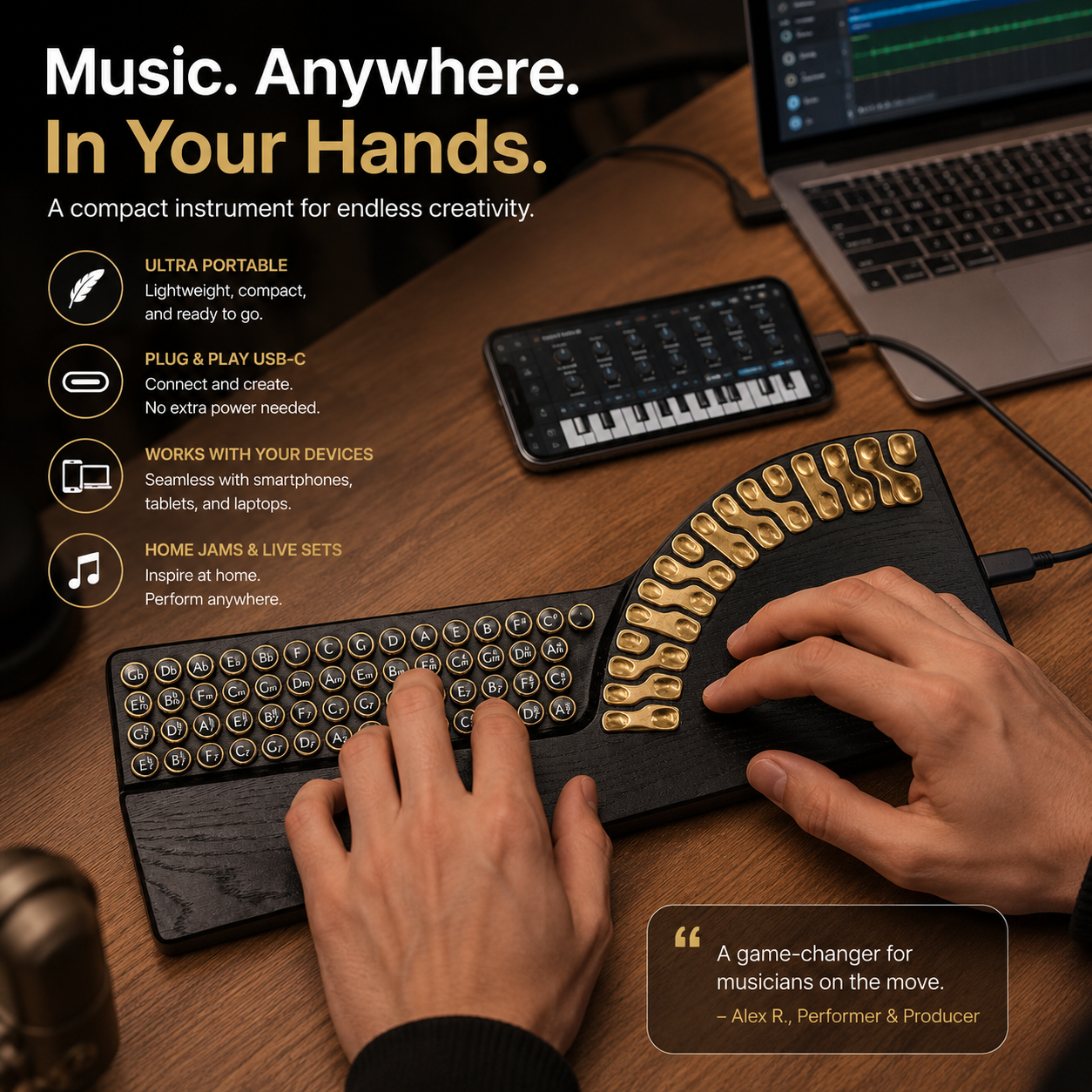
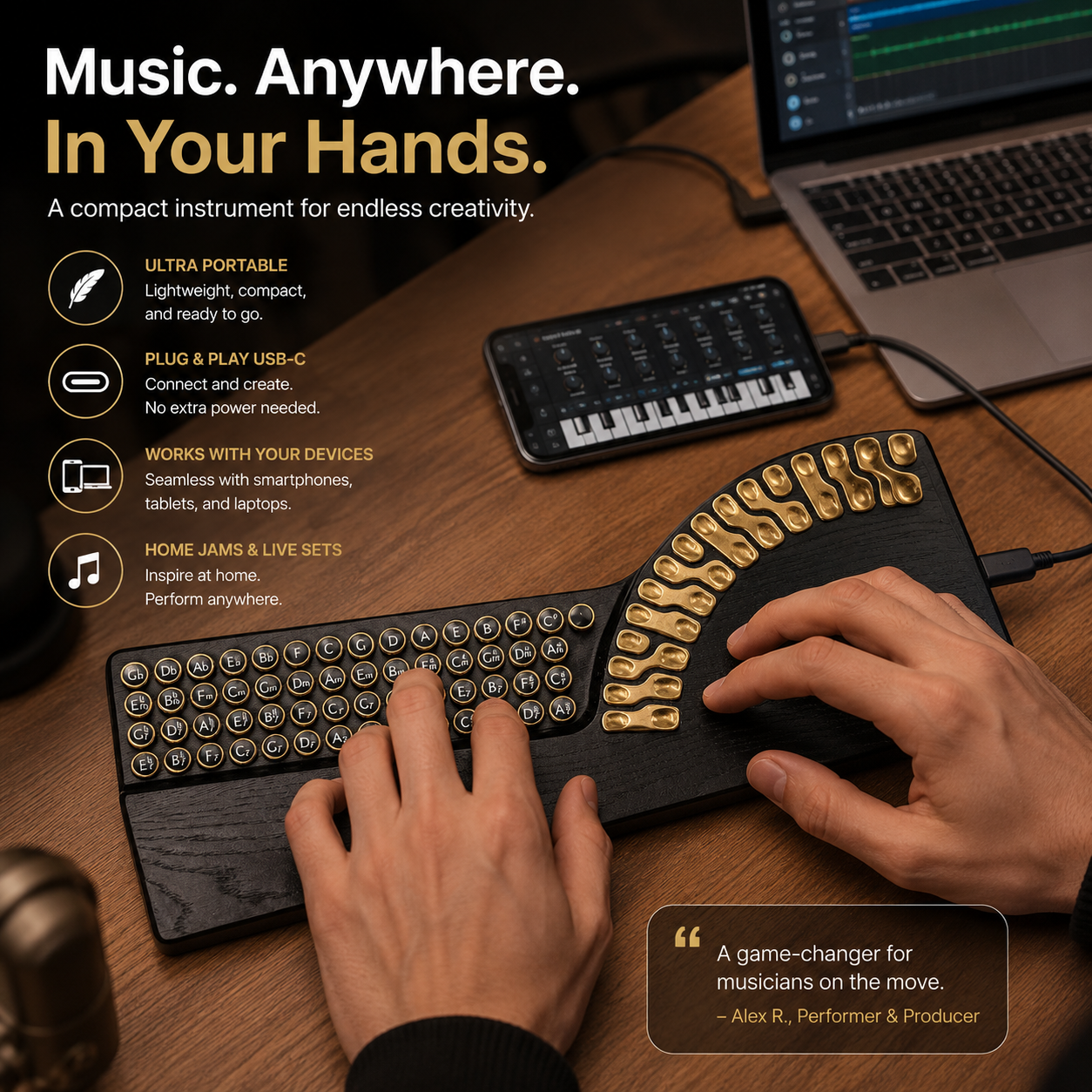
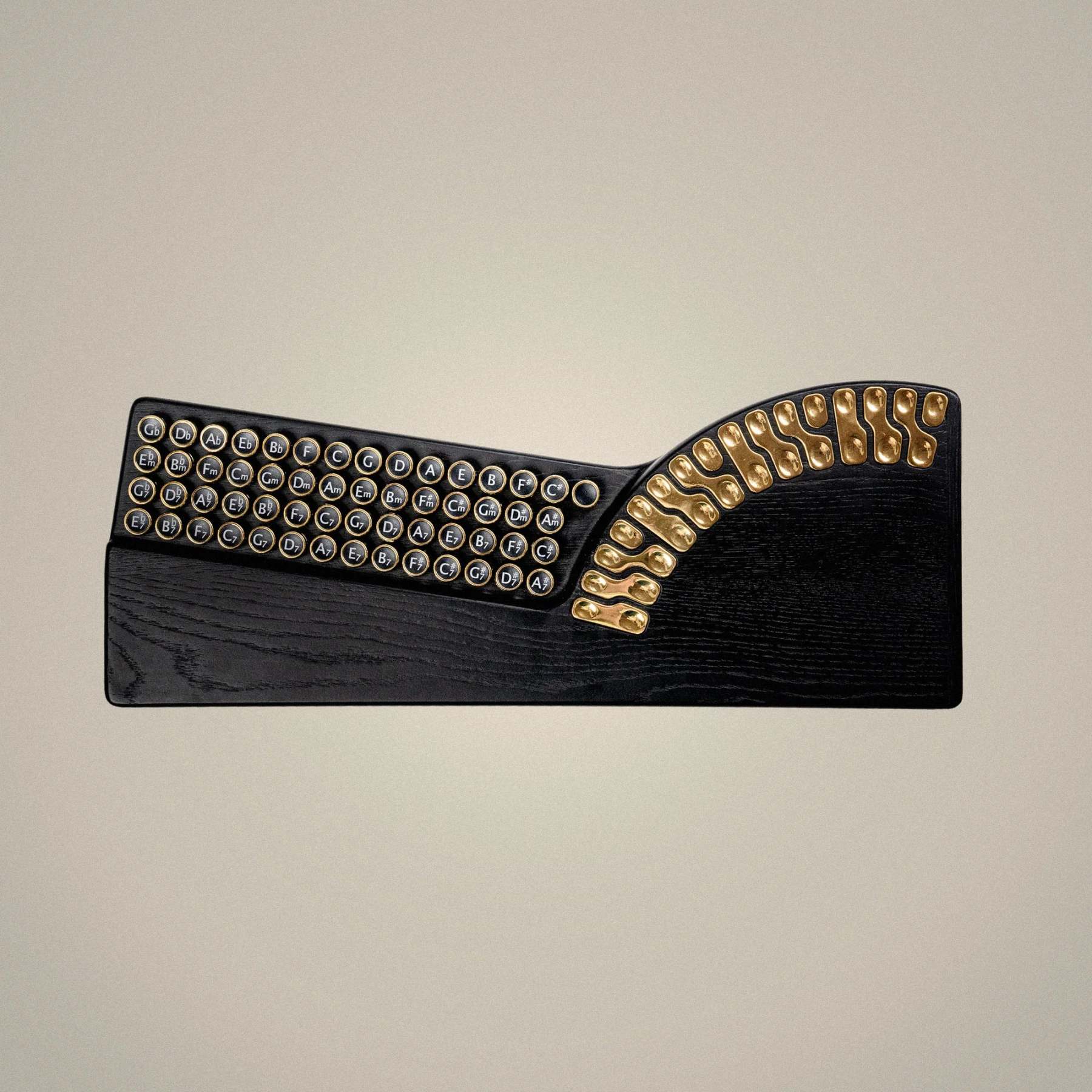
A tactile digital music controller that combines chord buttons, touch tone keys, and layered performance control in a compact wooden instrument designed for intuitive creation.
Create fuller arrangements by combining chord, bass, and melody control from one compact playing surface.
Chord
Harmony Control
Bass
Low-End Layer
Melody
Touch Tone Keys
USB-C
MIDI + Power
3
Instrument Layers
MIDI
USB-C Connection
4
Major Platforms
1
Integrated Controller
Smart Chords
Touch Melody
Bass Layer
USB-C MIDI
Live Performance
Smart Chords
Touch Melody
Bass Layer
USB-C MIDI
Live Performance
A More Intuitive Way To Play
Spend Less Time Thinking About Theory. More Time Making Music.
The chord system and touch tone layout are designed to make harmony feel more immediate, helping beginners explore musical combinations while giving creators a compact surface for performance and production.
01 / Harmony
Smart Chord Playing System
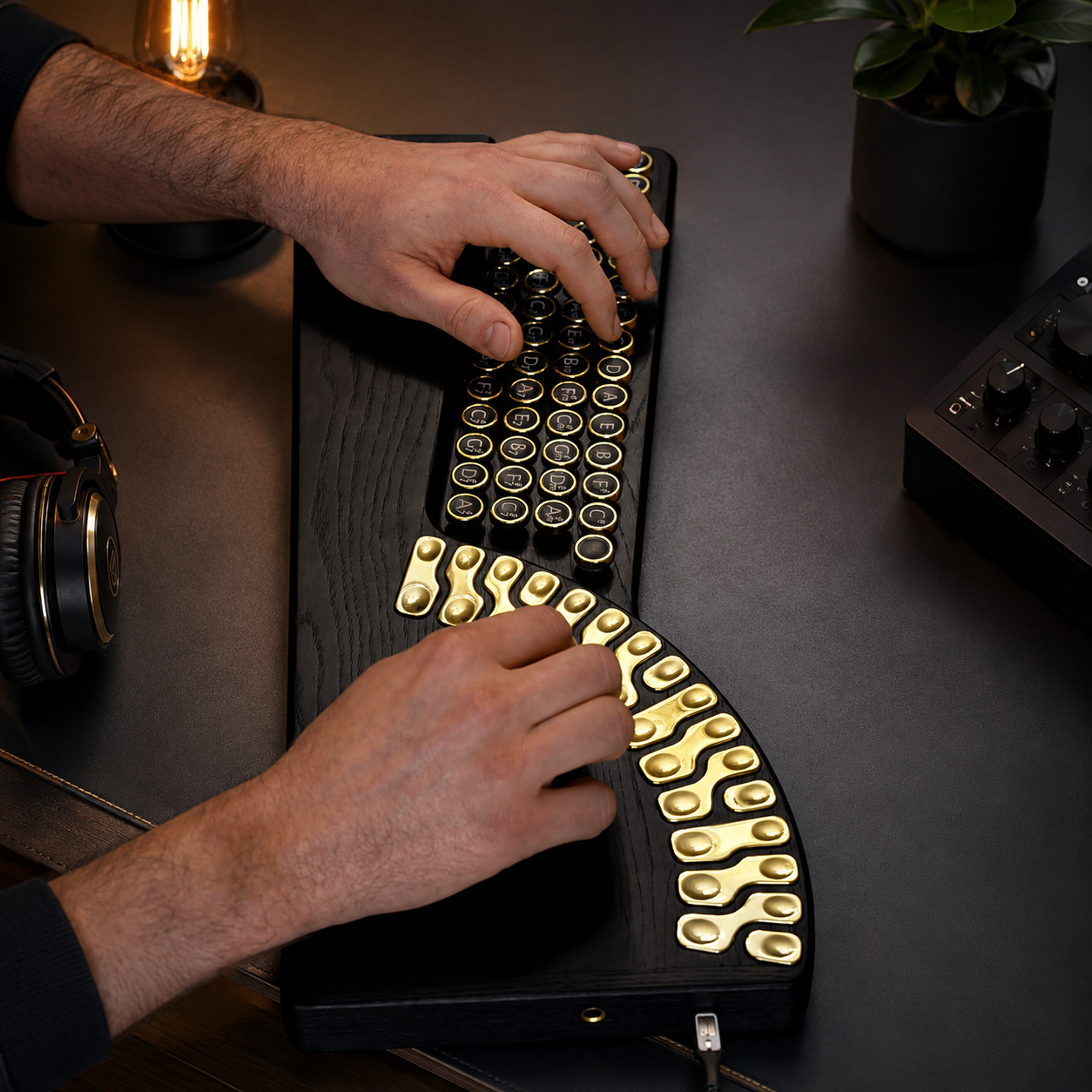
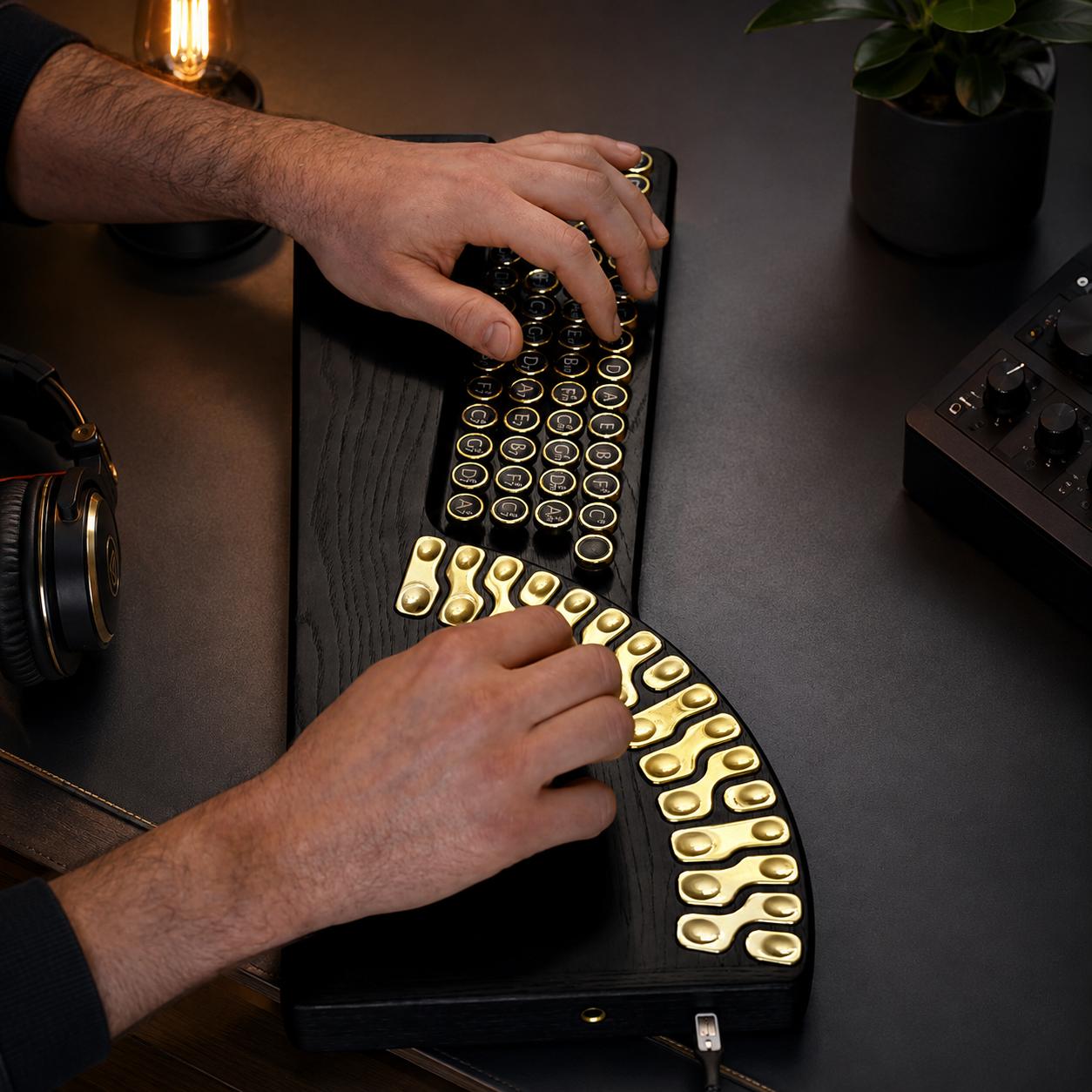
Select chords with one hand while compatible touch notes help you build melodies around the chosen harmony.
02 / Layers
Chord, Bass & Melody Control
Combine multiple musical layers from the same device to create fuller arrangements without filling your desk with separate controllers.
03 / Connect
USB-C MIDI Workflow
Connect with compatible smartphones, tablets, and computers for expanded sound control, music production, and performance workflows.
04 / Form
Wooden Performance Surface
A sculpted wooden body combines the warmth of an acoustic instrument with the flexibility of a modern digital controller.
Why This Feels Different
Not Just Another MIDI Keyboard.
This controller approaches music from harmony first. Instead of making every idea begin with a conventional keyboard layout, it brings chord selection, bass support, and touch melody into one connected playing surface.
Traditional MIDI Workflow
Keyboard First
Chord shapes often depend on keyboard familiarityBass and melody may require separate workflow stepsNew players can spend more time finding notes than exploring ideasPerformance is usually centered around one familiar key layout
This Controller
Harmony First
Choose chords directly from the dedicated chord sectionCombine chord, bass, and melody from one surfaceExplore compatible notes through the touch tone sectionMove from an idea to a layered performance with fewer steps
Start Playing In Minutes
Start With A Chord. Build From There.
You do not need to begin with a complicated theory lesson. The interaction is designed around a simple musical sequence that makes experimentation easier to understand.
01 / CHOOSE
Select A Chord
Use the chord button section to establish the harmonic foundation of your idea.
02 / TOUCH
Explore A Melody
Play across the touch tone keys and discover melodic movement around your chosen harmony.
03 / LAYER
Build It Out
Add bass, expand the arrangement, or send the performance into your MIDI workflow.
Designed to make musical exploration more approachable: start with a chord, listen, experiment, and build from what feels right.
Layered Performance System
One Instrument. Three Musical Roles.
Build harmony, reinforce it with bass, then play melodies across the touch tone section for a more complete hands-on workflow.
Layer 01
Chords
Choose harmonic foundations quickly using the dedicated chord button section.
Layer 02
Bass
Add low-end support to give chord progressions more weight and musical structure.
Layer 03
Melody
Use the touch tone keys to add melodic movement over your selected harmony.
Creative Workflow
From First Chord To Full Arrangement.
01 / SELECT
Choose A Chord
Start with the dedicated chord controls to establish the harmonic direction.
02 / LAYER
Add Bass
Build more depth by adding the bass layer to your chord progression.
03 / PLAY
Shape A Melody
Use the touch tone keys to explore compatible melodic ideas across the harmony.
04 / CONNECT
Expand With MIDI
Connect through USB-C to compatible software and devices for broader creative control.
What Can You Create?
More Than Chords. A Starting Point For Complete Ideas.
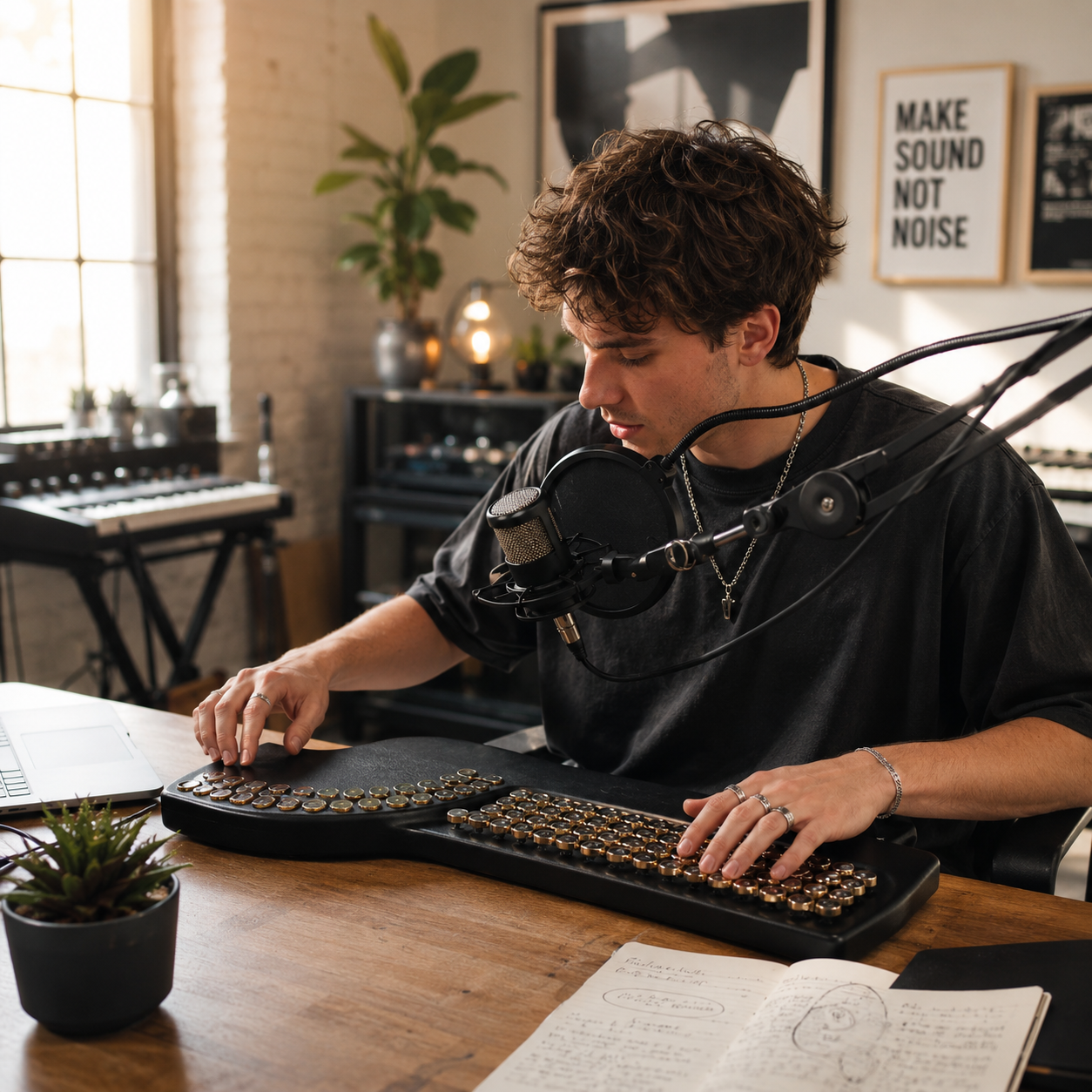
Use the same playing surface for songwriting sketches, layered arrangements, MIDI performance, and open-ended musical experimentation.
Harmony
Chord Progressions
Build harmonic foundations quickly and move through progression ideas without treating every chord as a separate technical exercise.
Atmosphere
Ambient Melodies
Layer touch-driven melodic phrases over sustained harmonic ideas for slower, atmospheric, and exploratory compositions.
Songwriting
Song Ideas
Capture the shape of an idea by combining chords, bass movement, and melody before taking it deeper into your production workflow.
Performance
Live MIDI Control
Use the controller as a hands-on performance surface when connected to compatible MIDI software and devices.
Made For
A Musical Controller For Different Ways Of Creating.
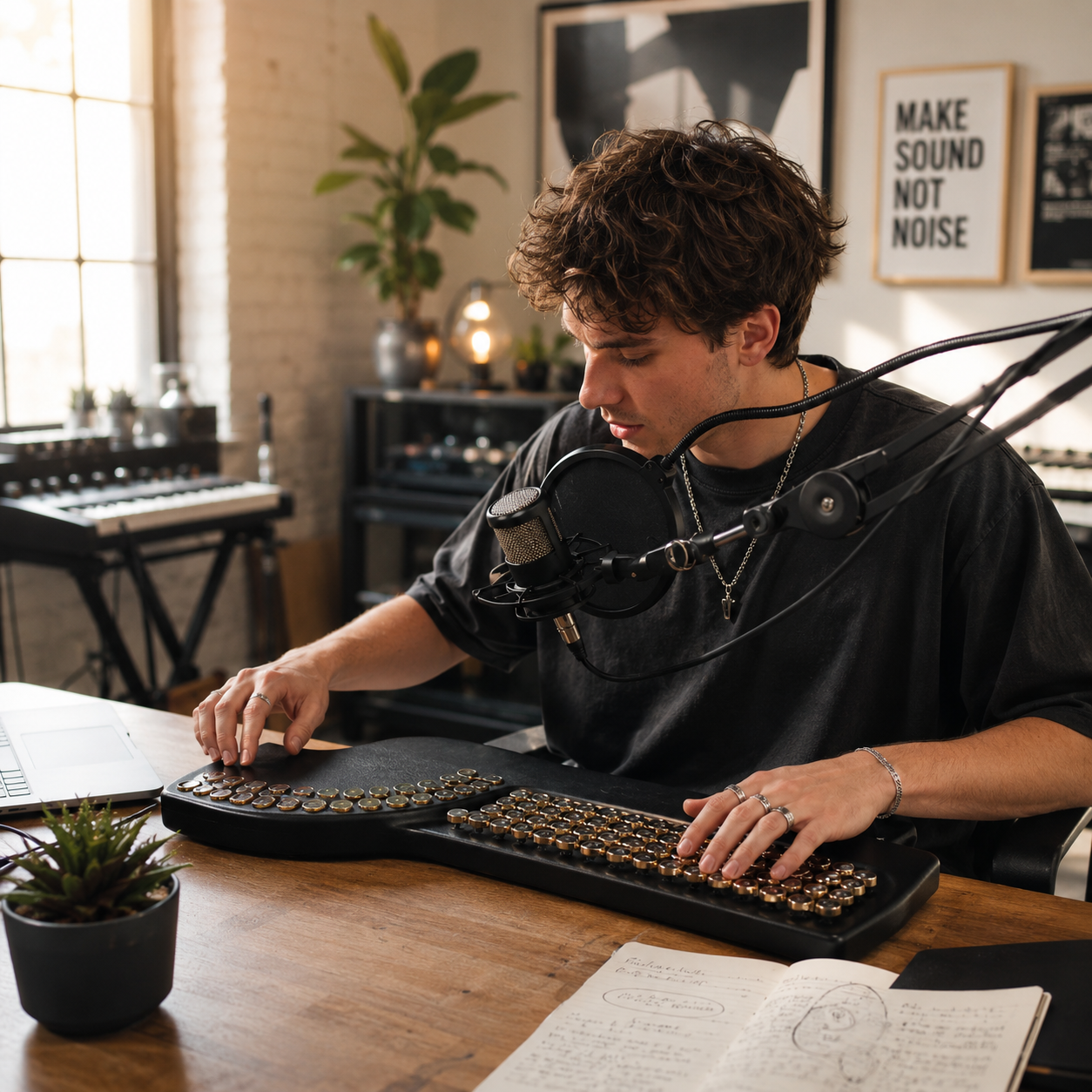
Designed to feel approachable for new players while remaining flexible enough for studio ideas, live performance, and experimental music making.
Learning
Beginners
Explore harmony and melody through a more direct, tactile system without starting from dense music theory.
Creation
Music Creators
Sketch chord progressions, melodies, and layered ideas from one compact performance surface.
Studio
Producers
Use USB-C MIDI connectivity to bring the controller into compatible software-based production workflows.
Stage
Performers
Combine chord, bass, and melody interaction in a distinctive format suited to creative live sets.
Material Character
Digital Control With The Warmth Of Wood.
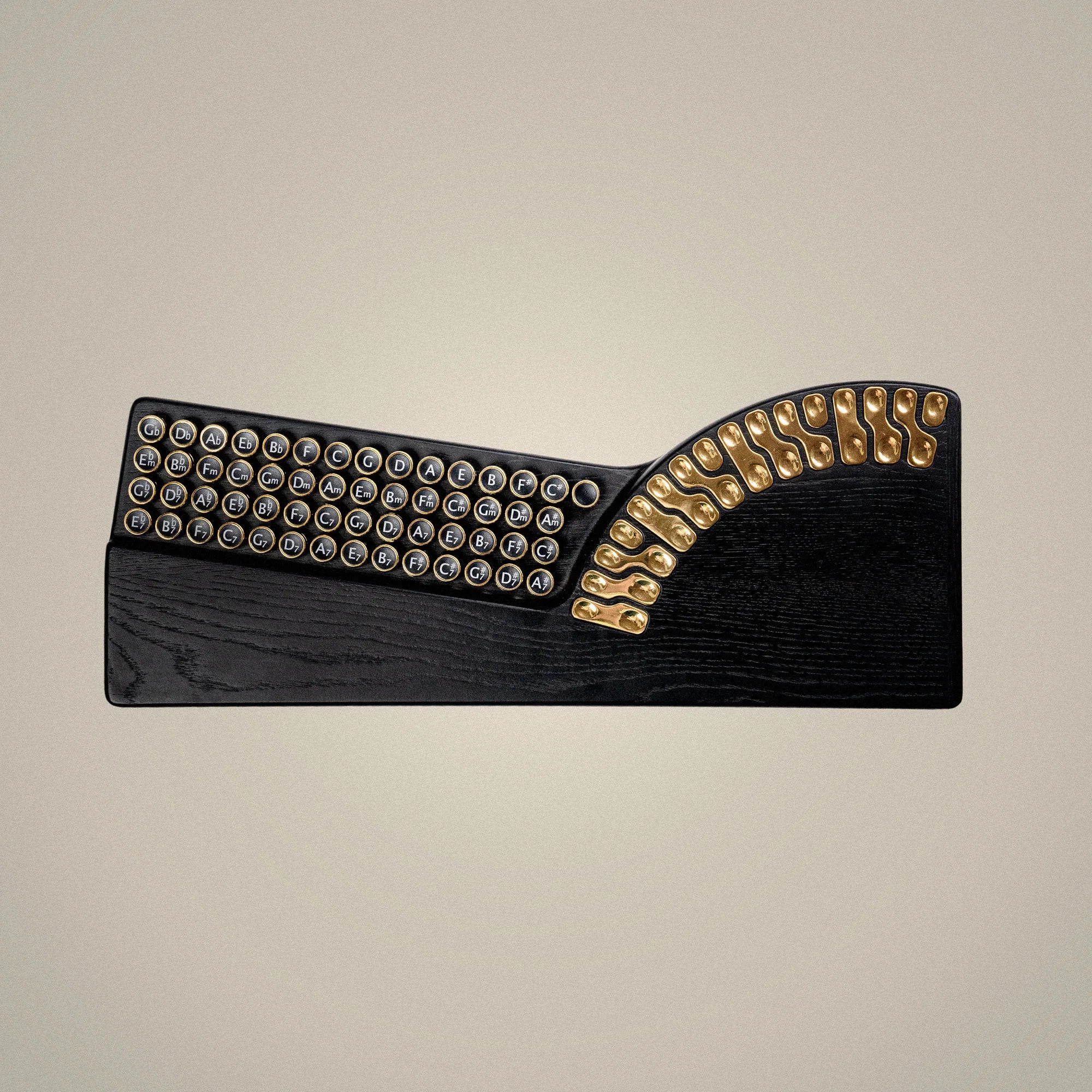
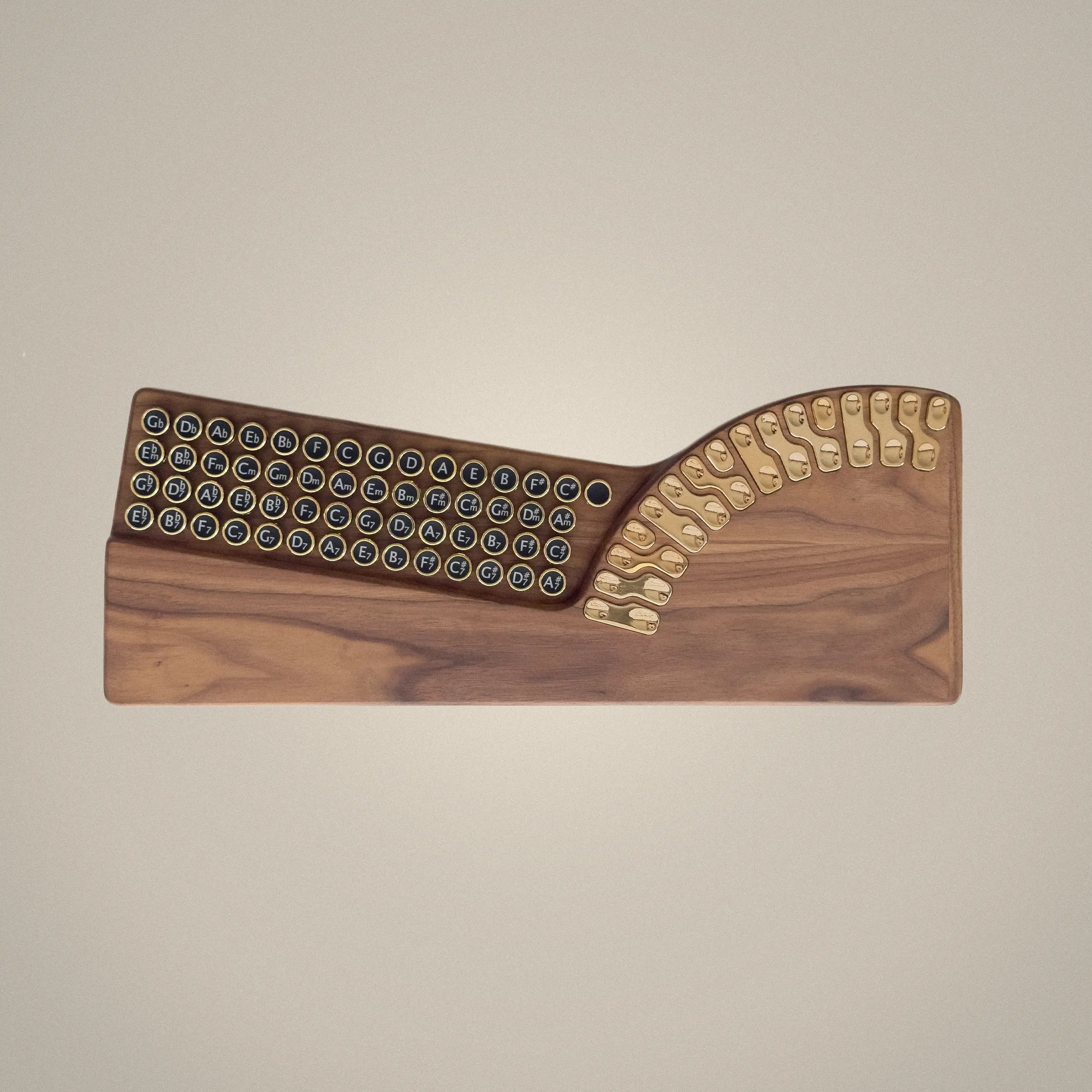
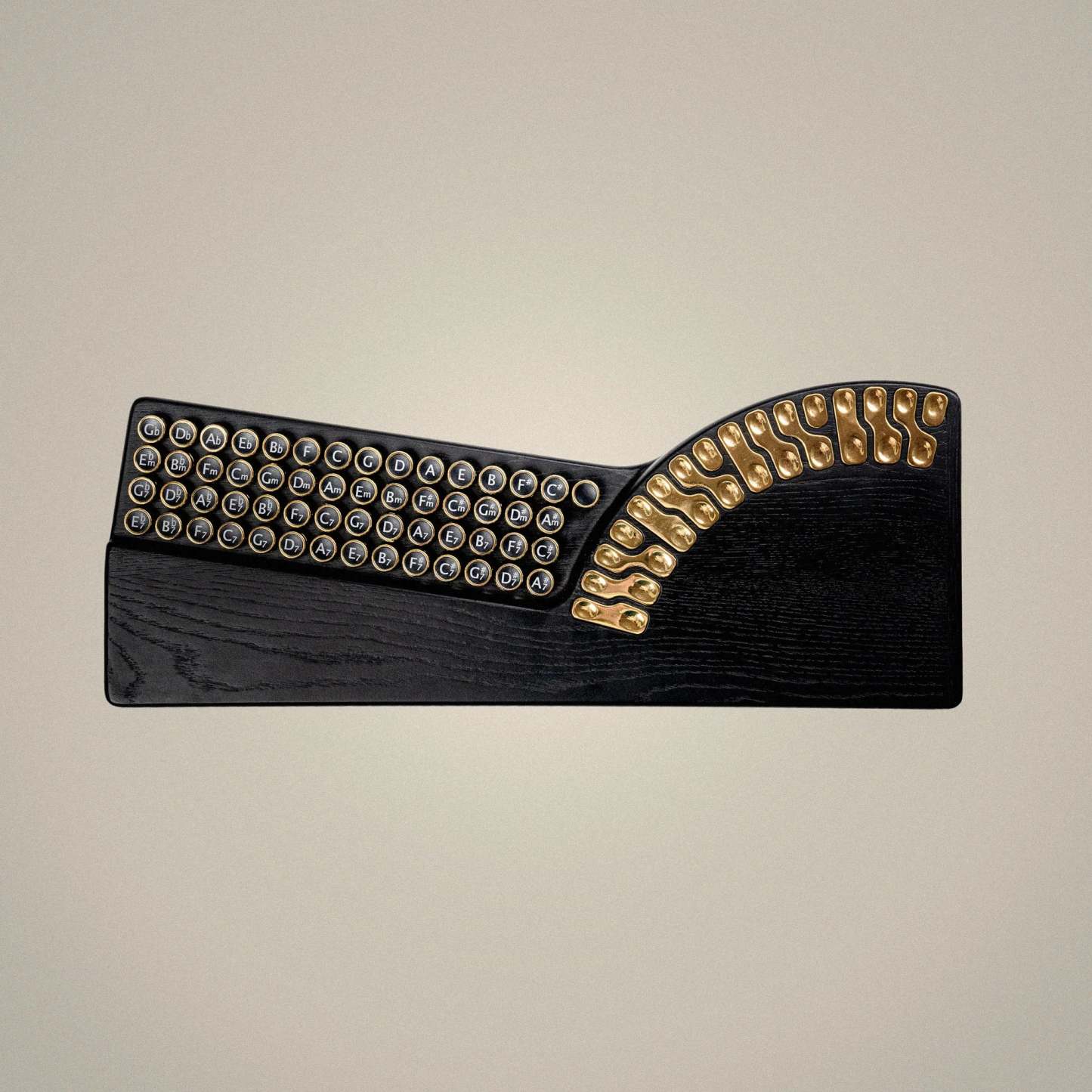
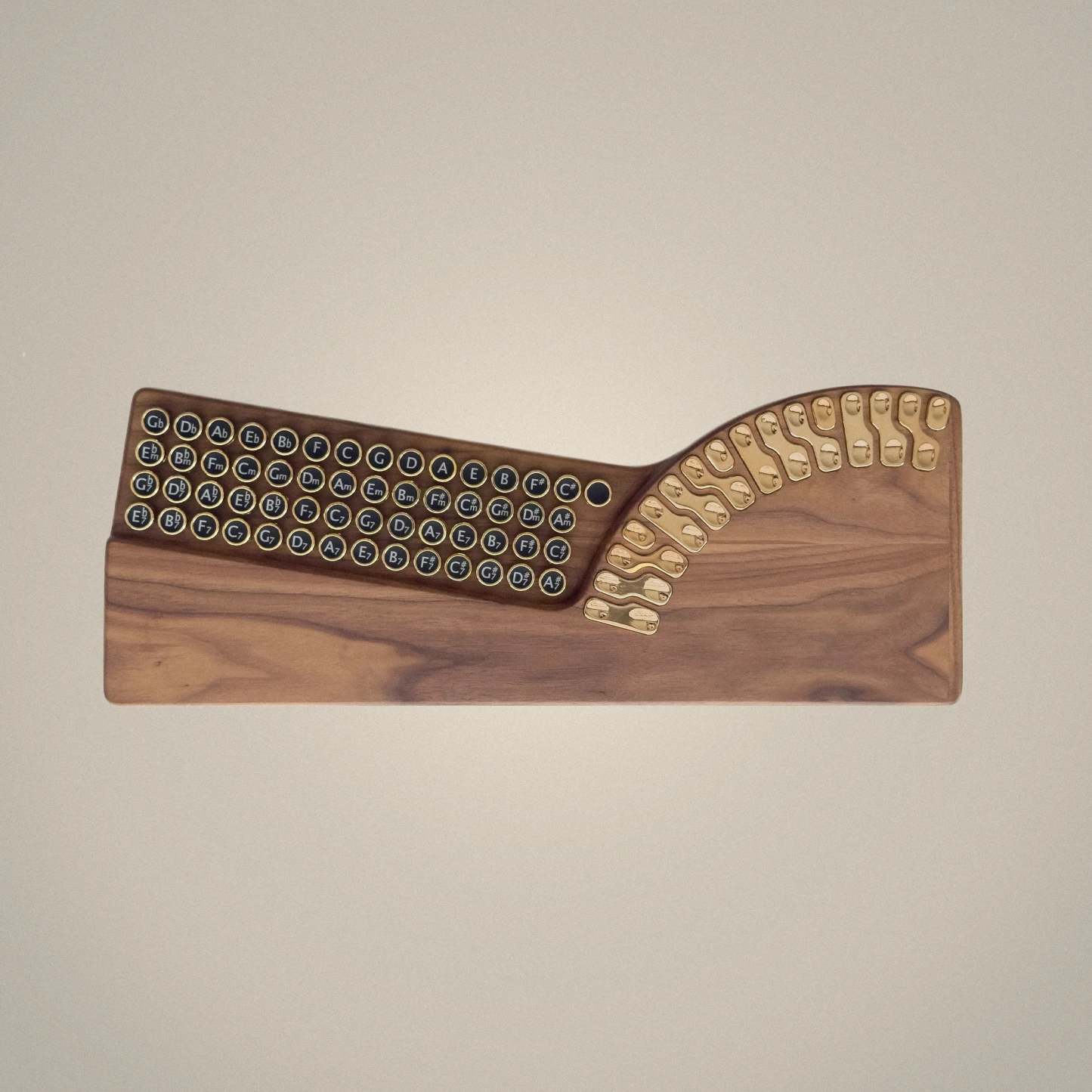
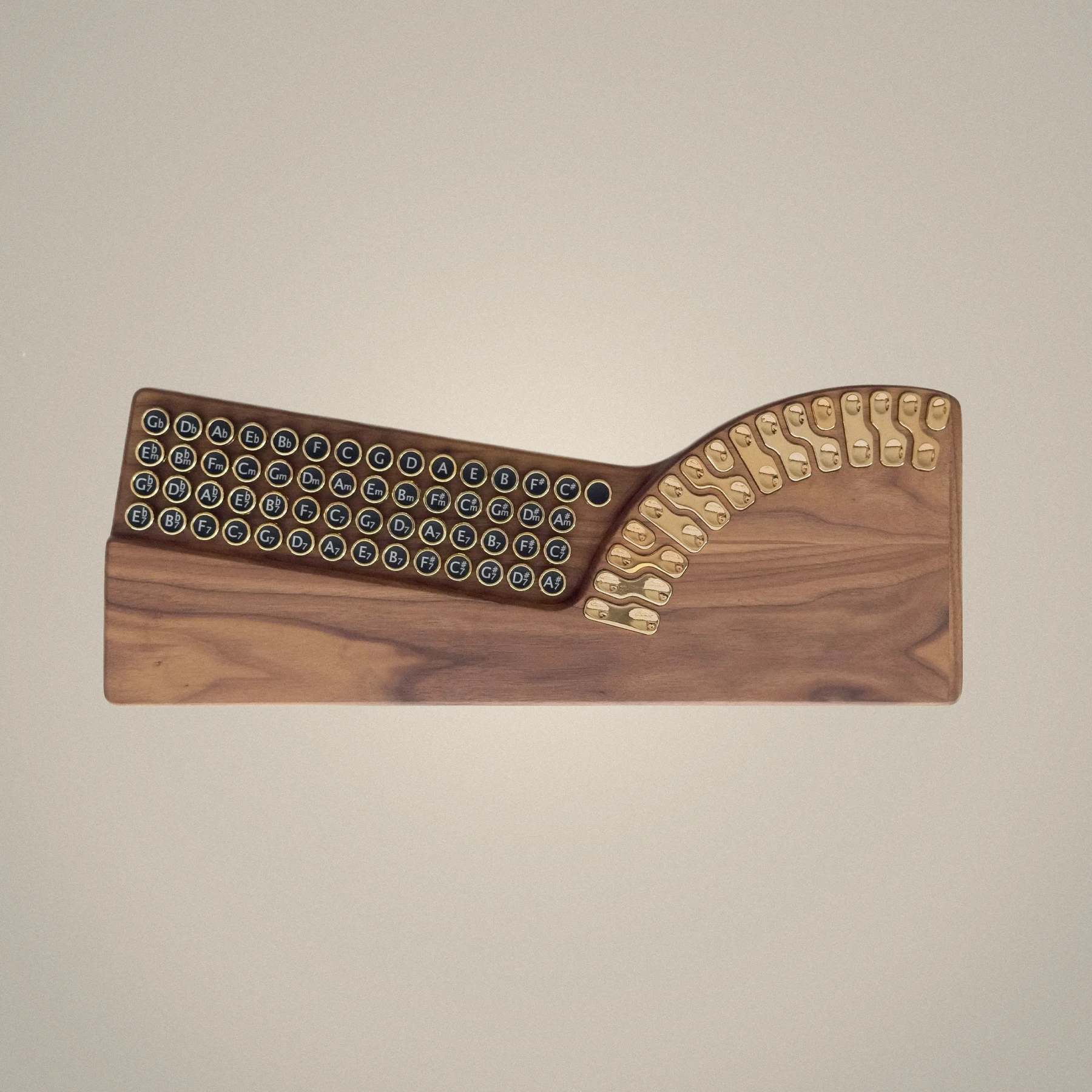
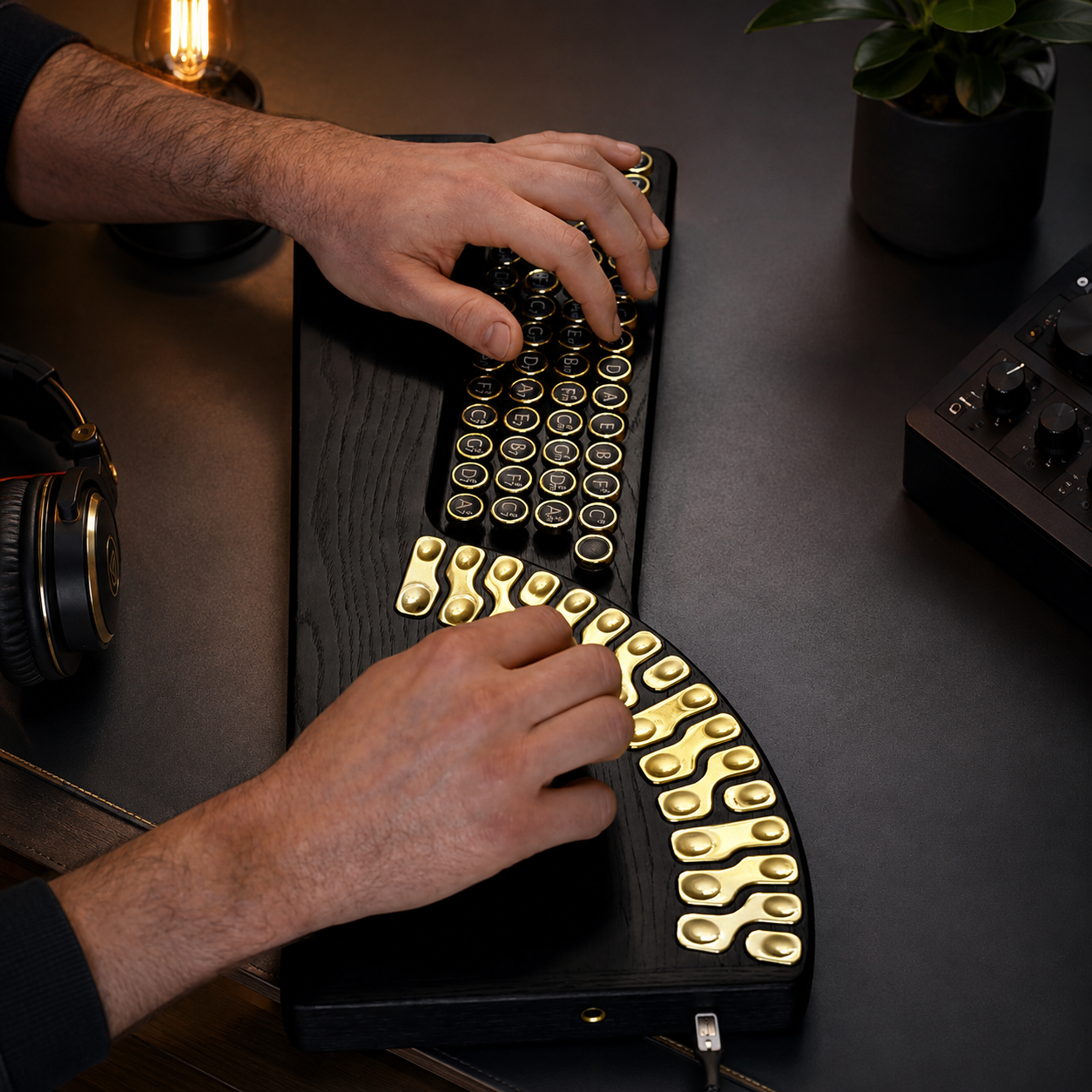
The product imagery shows two distinct wooden finishes, each paired with gold-toned touch hardware for a more instrument-like feel than a conventional plastic MIDI controller.
Finish 01
Black Wood
A darker, more modern appearance with strong contrast against the gold-toned performance controls.
Finish 02
Natural Walnut
A warmer wood-grain look that emphasizes the handcrafted musical-instrument character.
Designed For Your Setup
From Desk To Mobile Rig. Keep Your Workflow Connected.
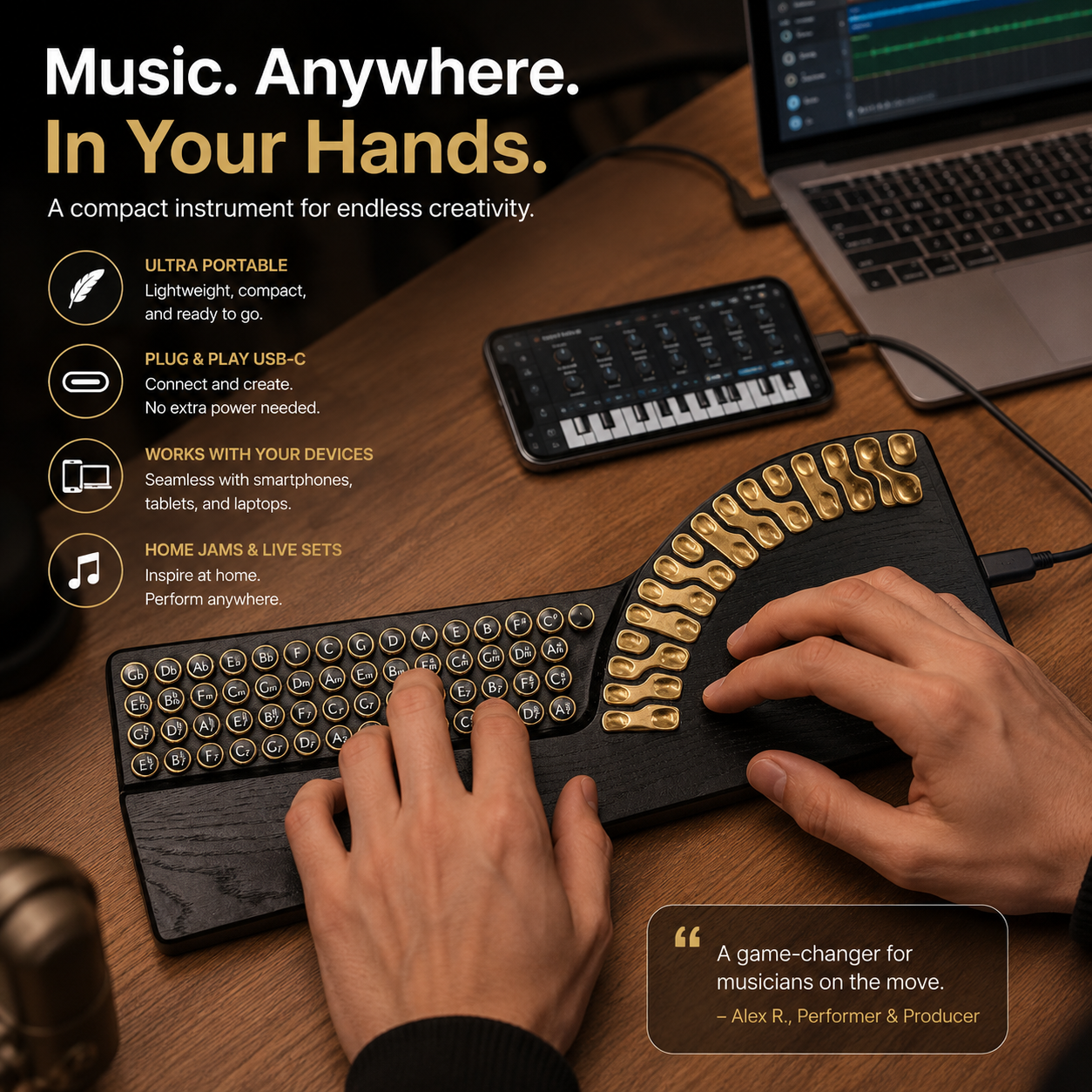
USB-C MIDI connectivity is designed to bring the controller into compatible computer and mobile music workflows without turning your setup into a cable archaeology project.
Windows
Computer Workflow
Mac
Studio Workflow
iOS
Mobile Creation
Android
Mobile Creation
Home Studio
Desktop Production
Mobile Music Making
Live Performance
Learning & Exploration
Product Specifications
Clear Details. No Specification Wall.
Product NameInteractive Digital Harp Music Controller
Control SystemChord Buttons & Touch Tone Keys
Instrument LayersChords · Bass · Melody
ConnectivityUSB-C MIDI Connection
CompatibilityWindows · Mac · iOS · Android
MaterialNatural Wood Body
Power SupplyUSB Powered
UsageMusic Creation · Learning · Live Performance · Studio Production
Packaging Includes
1 × Interactive Digital Harp Music Controller1 × USB-C Cable1 × Connection Adapter1 × User Manual
Questions, Answered
Frequently Asked Questions
Do I need advanced music theory to use it?
The supplied product information describes the chord system as designed to make harmonic playing more intuitive, making it suitable for beginners as well as more experienced creators.
What musical layers can I control?
The controller is designed around three primary layers: chords, bass, and melody.
Can it connect to a computer or mobile device?
Yes. The supplied specifications list USB-C MIDI connectivity and compatibility with Windows, Mac, iOS, and Android.
How is the controller powered?
It is listed as USB powered.
What is it suitable for?
The supplied product information lists music creation, learning, live performance, and studio production as intended uses.
Quick Decision
Built For Easier Musical Exploration.
If the goal is to explore harmony, layer musical ideas, and connect to a MIDI workflow from one distinctive wooden controller, these are the four reasons to remember.